
How to Free Up Mac Storage as a Developer (Xcode, Docker, node_modules)
Developer tools are the biggest silent consumers of Mac disk space. Here's how to find and remove Xcode simulators, Docker images, node_modules, Rust artifacts, and more.
A beautifully native Mac utility that scans your entire disk in seconds and maps every gigabyte into one interactive view. No subscriptions. No nagging.
"Perfect timing - my Mac's been hitting me with that dreaded storage warning all week. Been digging through endless folders trying to find what's eating up space..."
"Wow, this is especially interesting option for Mac users with smaller storage. Cool product!"
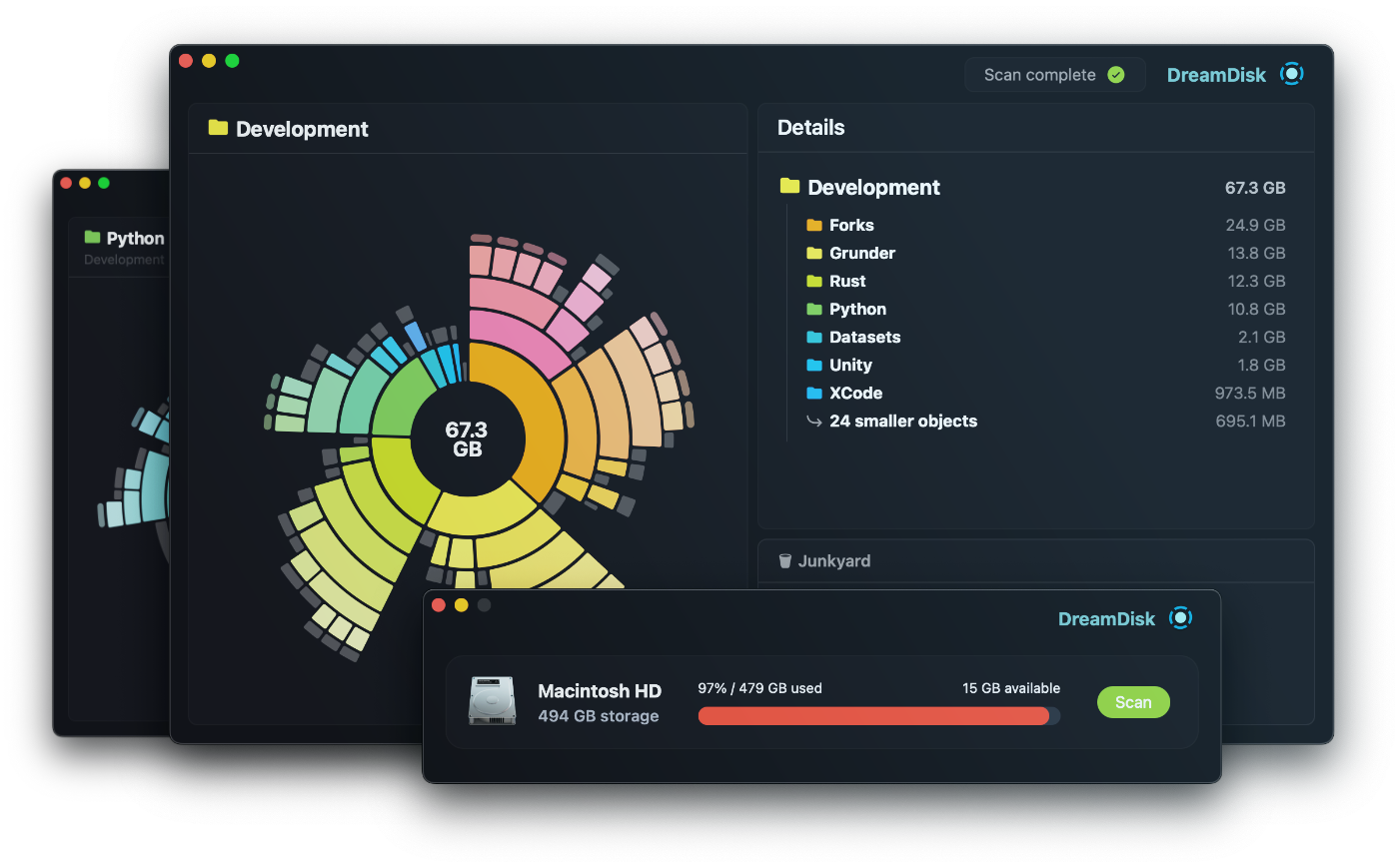
That "Startup Disk Almost Full" warning is infuriating — especially when you don't know why. DreamDisk scans every folder on your Mac in as little as 5 seconds and shows you exactly what's taking up space, down to the last megabyte.
A fluid, interactive sunburst chart turns gigabytes of data into something you can actually understand. Drill into folders, spot the culprits instantly, and navigate your storage the way it was always meant to be explored.
DreamDisk never deletes anything without your say-so. Drag files into the Junkyard, review what you're removing, and clear it all at once. Reclaim gigabytes in minutes — no aggressive auto-cleaning, just control.
A one-time $4.99 purchase gives you full visibility into your storage — forever. No subscription, no upsells, no auto-cleaning anything you didn't approve.
macOS 13 Ventura or later required